
Show identity
Create a theatre, circus, carnival, troupe or travelling show.
A living show. A working company. A practical tour.
Build a living show with distinctive acts, a working company, a practical tour and backstage stories.
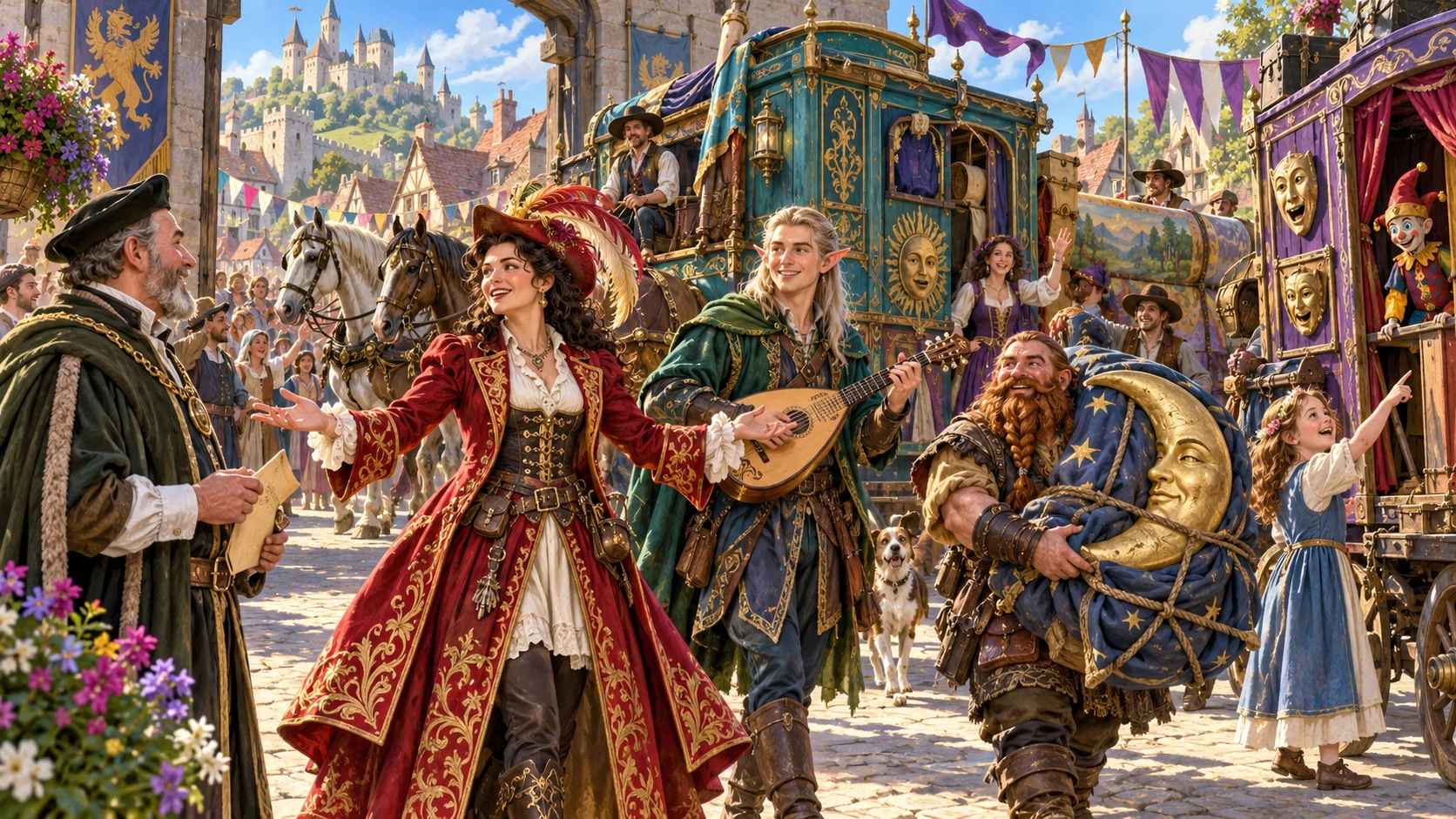
The show and the people behind it
Bring a production together as a recurring place in your campaign.
Create a theatre, circus, carnival, troupe or travelling show.
Give four to ten acts a place in the running order.
Connect performers, understudies and crew.
Prepare ambitions, relationships and practical problems.
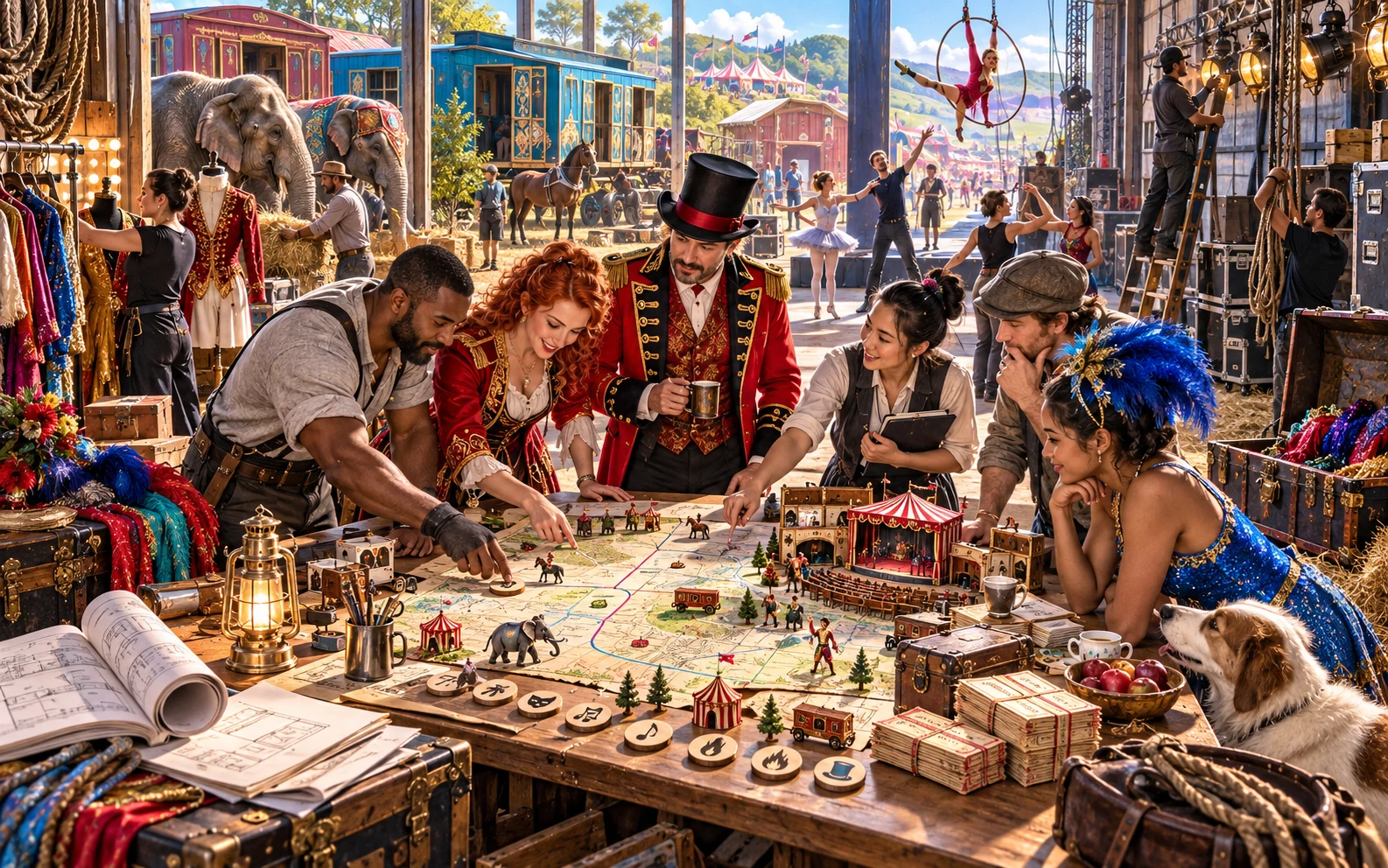
Connect the programme and backstage life
The illustration represents fantasy party preparation, not an application screenshot.
Set show type, scale, prestige, tone and location.
Review acts, crew, route, venue needs and safety arrangements.
From programme to practical tour
Prepare the audience experience and the work behind it.
Set type, scale, prestige, tone and location.
Connect acts, people, props and effects.
Review venues, route, schedule, ticketing and safety.
Prepare complications, recovery and tour hooks.
The performance-company workspace
Connect each act to its people, place and practical needs.
Create distinctive acts and attractions for a working show.
Build performers, understudies and crew with clear roles.
Connect each act to its place and practical needs.
Plan a tour with audience, tickets and patrons.
Prepare the equipment and arrangements behind the spectacle.
Explore relationships, rivals, secrets and recoverable complications.
Keep versions, rename, duplicate, tag and reopen productions.
Copy DM guides or player programmes, download JSON or print.
Quick productions and detailed company life
Fit the production to its venue, company and tour.
Create acts, key performers, crew and a running order.
Tune budget, route, venues, ticketing and patrons.
Refine hierarchy, understudies, animals, effects and props.
Explore rivals, reviews, sabotage and performer drama.
Refine a production worth bringing back
Keep the company and tour editable in the same workspace.
Lock useful acts and selectively rebuild.
Revise with undo and redo.
Rename, duplicate, tag and annotate shows.
Reopen acts, performers, routes and backstage changes.
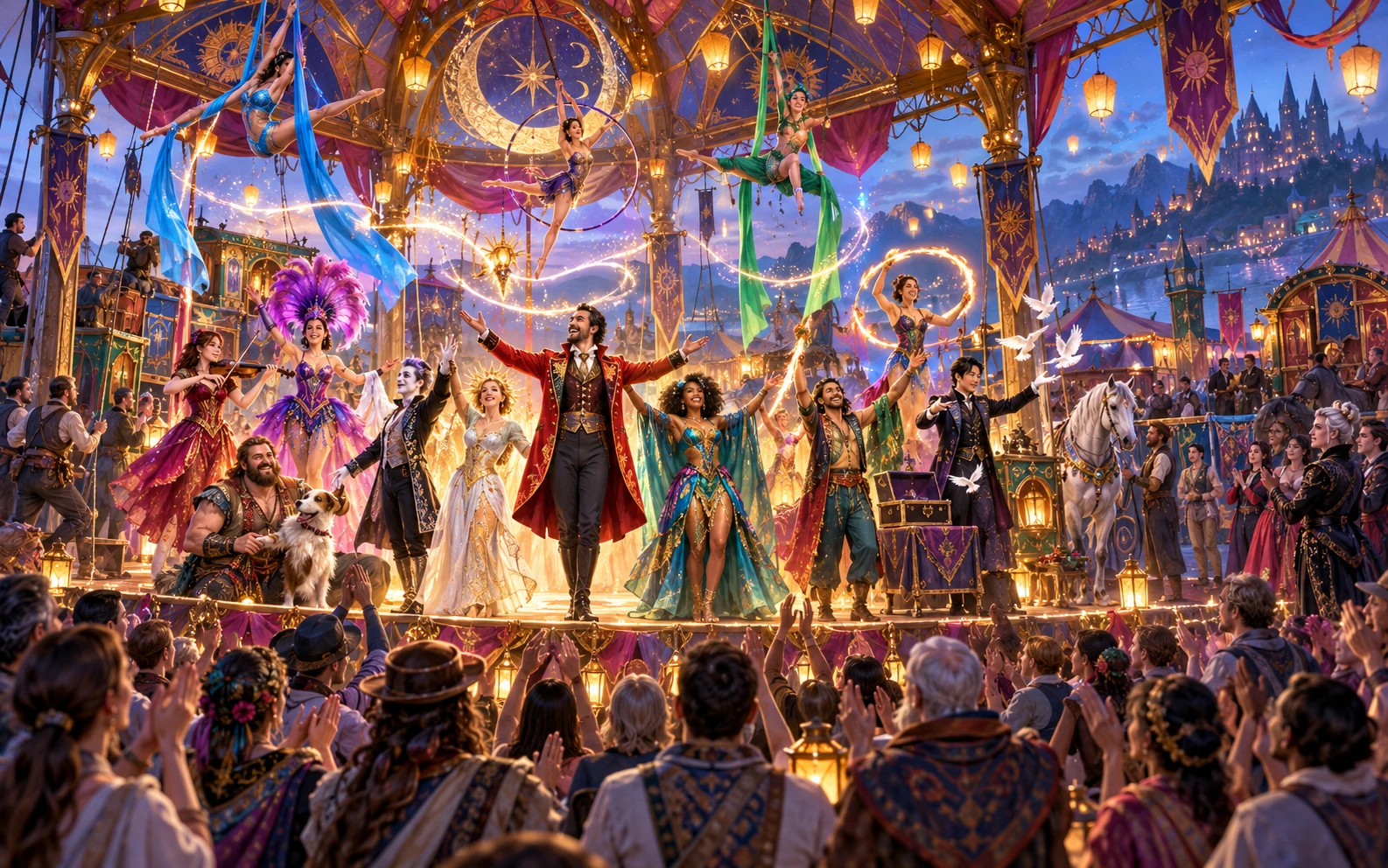
A production with a life beyond the stage
Review acts, performers, crew and the running order.
Consider venues, route, audience, props and effects.
Review backstage stories, tour hooks and audience material.
Performance and touring preparation
Use dedicated tools for other kinds of campaign preparation.
The show does not prepare combat.
It does not transfer opponents to Combat Pro.
It does not start an encounter.
Taverns, settlements, customs and downtime remain separate.
Generator access and pricing
Choose access for this selected generator or an eligible pack.
Review current standalone access and pricing.
Check whether a current pack includes this generator.
Use your account to review premium product access.
Create a free VISINVOKE account; premium access remains separate.
VISINVOKE means value
Bring acts, people, practical touring needs and backstage stories together.

Give every act a place in the programme.
Connect the company to its route and venue needs.
Reopen productions or duplicate a useful show.
Explore relationships, rivals, complications and recovery.
Explore your VISINVOKE workspace
Each card opens its own product website. Review purpose and access separately; related products do not promise included access or automatic synchronisation.

Open your VISINVOKE desktop products.
Prepare a live exchange after an established social mistake.
Build the wider setting around your campaign.

Develop the places your party travels through.

Explore separate adventure environments.
Explore separate fantasy image creation.
Product artwork is illustrative, not application screens or actual generated image output.
Quick answers
Understand acts, backstage life, saved shows and desktop access.
Create a theatre, circus, carnival, bardic troupe or travelling show with four to ten distinctive acts and attractions. Build the company behind it: performers, understudies and crew with roles, relationships, ambitions and backstage problems.
Prepare the running order, venue needs, route, schedule, ticketing, audience, patrons, props, effects and safety arrangements. Give every act a place in the programme and connect performers to the crew and equipment they need.
Add rival troupes, reviews, sabotage, secrets, illicit side business, audience participation and recoverable show-night complications. Use backstage relationships and tour hooks to bring the company back with the consequences of earlier shows.
Choose show type, scale, prestige, tone and location, then refine budget, route, venues, act count and backstage details. Lock established acts and selectively rebuild what needs another pass. Edit with undo and redo. Save shows to your account library, keep versions, rename or duplicate them, add tags and notes, and reopen editable acts, performers, routes and backstage changes.
Copy the complete Dungeon Master show guide or player programme, download the finished production as JSON or print the version you want at the table. Select and review audience material before sharing. The workspace does not prepare combat, transfer opponents or start an encounter in Combat Pro. Taverns, settlements, broad cultural customs, general downtime and isolated character creation stay in their dedicated tools.
Create a free VISINVOKE account and review current access and pricing for this selected generator or an eligible pack. Premium access is separate from the free account. Use your account installer page for Desktop Command Centre, then open Performance, Carnival & Travelling Show Generator from the Generators collection in its desktop workspace.
Continue in VISINVOKE
Create a free VISINVOKE account and review current generator access.
Use your account installer page for Desktop Command Centre.
Open Performance, Carnival & Travelling Show Generator from the Generators collection.